

Configuring App Modules & Features
The mobile app is modular — you choose which features are available to attendees. Enable only what your event needs for a clean, focused experience.
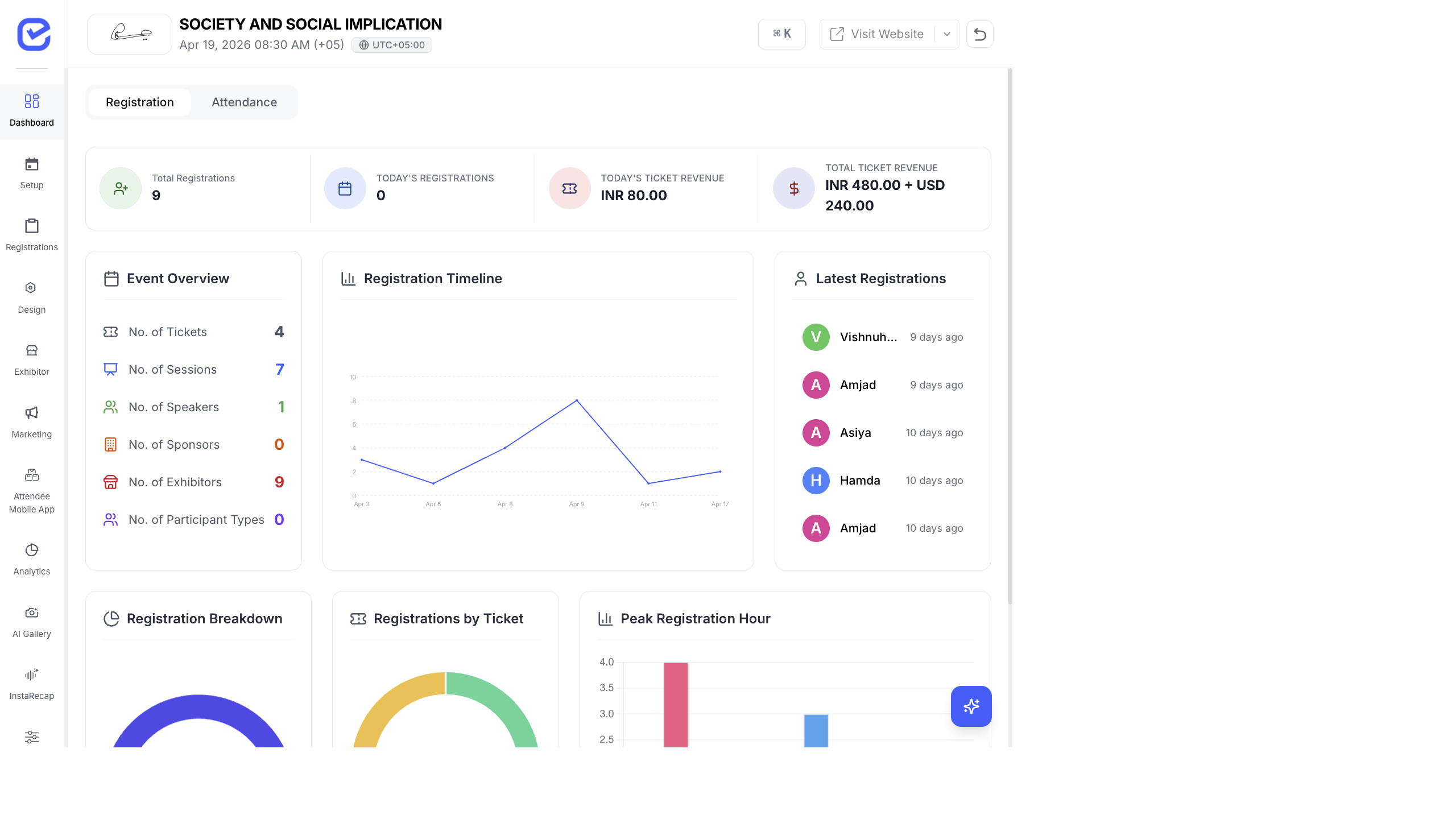
Access App Modules
Section titled “Access App Modules”Go to Attendee Mobile App → App Modules.
Modules appear as a grid of cards. Each card has a toggle to enable or disable the feature.
Available Modules
Section titled “Available Modules”| Module | What It Does | Dependencies |
|---|---|---|
| Sessions | Browse event sessions with times, descriptions, and speakers | Enables Speakers when turned on |
| Speakers | View speaker profiles and their sessions | Requires Sessions |
| AI Gallery | Browse event photos, selfie-based face matching | — |
| InstaRecap | Read AI session transcripts, summaries, and translations | — |
| Networking | Attendee directory and connection requests | Enables Meetings and Messaging |
| Meetings | Schedule 1:1 meetings with other attendees | Requires Networking |
| Messaging | In-app chat with other attendees | Requires Networking |
| Exhibitors | Browse exhibitor profiles and products | — |
| Sponsors | View event sponsors and their information | — |
| Feedback | Submit session and event feedback | — |
| Videos | Watch video content | — |
| AI Chat | AI-powered assistant for event questions | — |
| Gamification | Challenges, QR scanning, and leaderboard | — |
Enable or Disable a Module
Section titled “Enable or Disable a Module”- Go to Attendee Mobile App → App Modules.
- Click the toggle on any module card.
- The module is immediately enabled or disabled.
- The phone preview (on the Configure App page) updates to reflect enabled modules.
Module Recommendations by Event Type
Section titled “Module Recommendations by Event Type”Corporate Conference
Section titled “Corporate Conference”Enable: Sessions, Speakers, Networking, Meetings, Messaging, AI Gallery, InstaRecap, Feedback
Trade Show / Exhibition
Section titled “Trade Show / Exhibition”Enable: Exhibitors, Sponsors, Networking, AI Gallery, Gamification
Workshop / Training
Section titled “Workshop / Training”Enable: Sessions, Speakers, Feedback, InstaRecap
Hybrid Event
Section titled “Hybrid Event”Enable: Sessions, Speakers, Videos, AI Gallery, InstaRecap, Networking, AI Chat
How Modules Appear in the App
Section titled “How Modules Appear in the App”Enabled modules show as icons in the app’s home screen grid. Attendees tap a module icon to access that feature.
The module grid on the home screen shows up to 10 modules. If you enable more, attendees scroll to see additional modules.
Best Practices
Section titled “Best Practices”- Less is more — only enable modules your event actually uses. An app with 5 well-configured modules is better than 13 half-empty ones.
- Test each module — before the event, open the app and check each enabled module. Make sure sessions are populated, speakers are added, and networking is working.
- Match your event type — a hackathon doesn’t need an Exhibitors module. A trade show doesn’t need InstaRecap. Enable what’s relevant.
- Enable Gamification early — if you’re using gamification, enable the module before the event and promote it so attendees start engaging from day one.
- Feedback at the end — enable the Feedback module but promote it at session ends and on the last day. Attendees are most likely to give feedback while their experience is fresh.
For a complete visual walkthrough of every app module as attendees see it, see Event App — Full Attendee Walkthrough.