

Webhooks & API Access
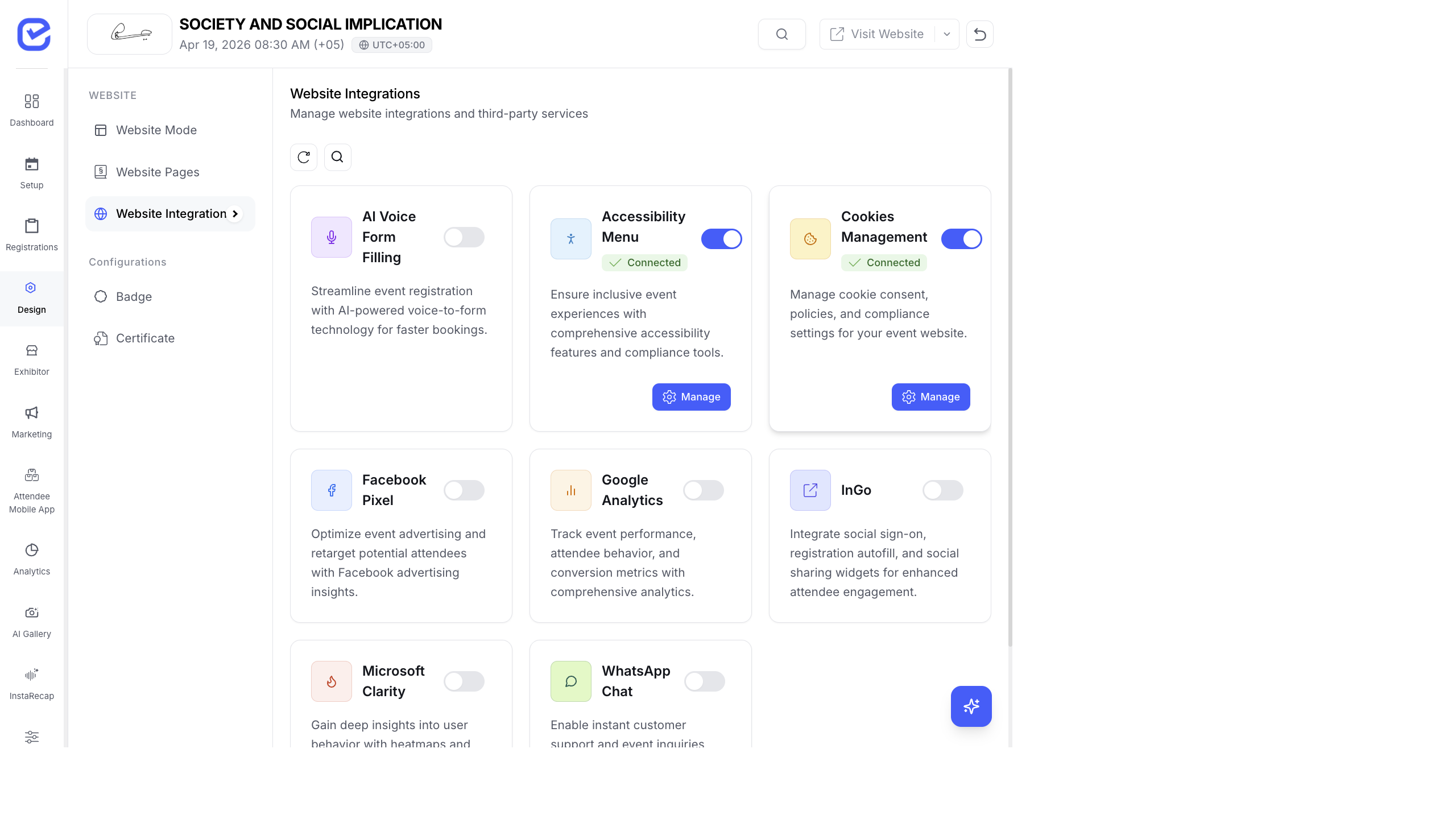
Webhooks let external systems notify EventHex when events happen (like payment completions). This page covers payment webhook setup and API access for developers.
Payment Webhooks
Section titled “Payment Webhooks”Payment gateways use webhooks to confirm transaction outcomes. EventHex automatically configures webhooks for supported payment providers.
Stripe Webhooks
Section titled “Stripe Webhooks”When you connect Stripe, EventHex automatically creates webhook endpoints in your Stripe account. These webhooks notify EventHex when:
- A payment succeeds
- A payment fails
- A refund is processed
- A subscription changes
Check Webhook Status:
Go to Settings → Payment and look for the webhook status indicator. A green checkmark means webhooks are active and receiving events.
Razorpay Webhooks
Section titled “Razorpay Webhooks”For Razorpay, configure the webhook URL in your Razorpay dashboard:
https://api.eventhex.ai/webhooks/razorpay/{your-event-id}Set up the webhook to send notifications for:
payment.capturedpayment.failedrefund.processed
Webhook Logs
Section titled “Webhook Logs”EventHex logs all incoming webhook events for debugging:
- Timestamp — when the webhook was received
- Source — which payment provider sent it
- Status — success or failure
- Payload — the raw webhook data
Use webhook logs to troubleshoot payment issues. If a customer says they paid but their registration isn’t confirmed, check the webhook logs for their transaction.
API Access
Section titled “API Access”EventHex provides API endpoints for developers who need to integrate with external systems.
Common API Use Cases
Section titled “Common API Use Cases”- Pull registration data into your own analytics platform
- Sync attendee lists with external CRM systems
- Build custom registration flows
- Automate badge printing with external hardware
Authentication
Section titled “Authentication”API requests require authentication via API keys or OAuth tokens. Contact EventHex support to request API access for your organization.
Troubleshooting
Section titled “Troubleshooting”| Issue | Solution |
|---|---|
| Payments not reflecting in EventHex | Check webhook status in Payment settings. Re-create webhook if status shows error |
| Webhook delivery failing | Verify the webhook URL is correct in your payment provider’s dashboard |
| Duplicate payment entries | Check webhook logs for duplicate delivery — configure idempotency on your payment provider |
| Razorpay webhook not working | Ensure the webhook URL includes the correct event ID and the webhook secret matches |