

Ad Banners & Promotional Content
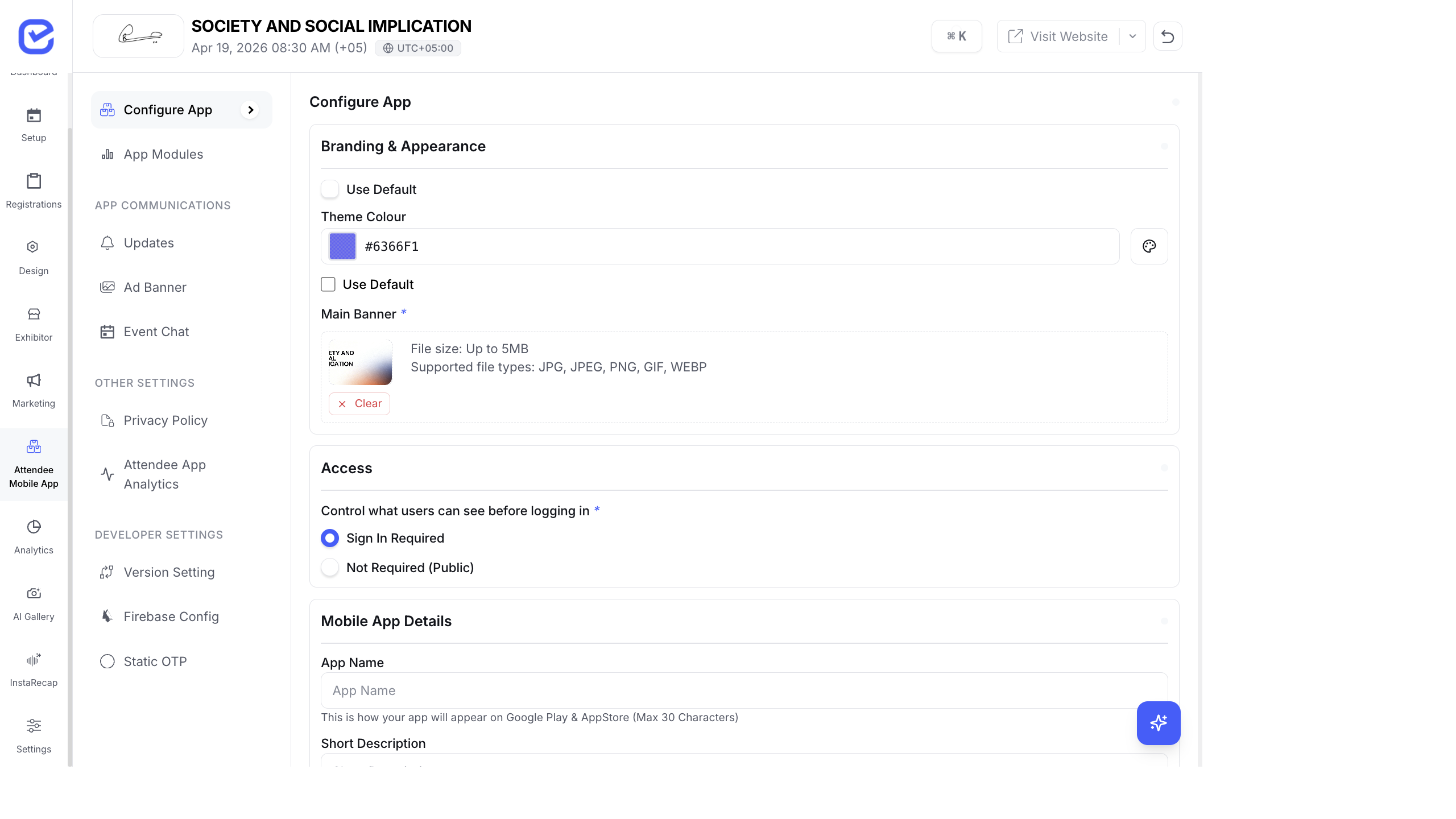
Ad banners let you place sponsor advertisements within the mobile app. It’s a low-effort way to generate additional revenue from your event app and provide sponsors with high-visibility digital placement.
Create an Ad Banner
Section titled “Create an Ad Banner”- Go to Attendee Mobile App → Ad Banner.
- Click + Add Banner.
- Fill in:
- Title — internal name for the banner (e.g., “Sponsor XYZ - Main”)
- Image — the banner creative (uploaded by the sponsor)
- Click Save.
Banners appear within the app at designated placement areas.
Banner Specifications
Section titled “Banner Specifications”| Specification | Recommendation |
|---|---|
| Format | PNG or JPEG |
| Aspect ratio | 16:9 (landscape) or 3:1 (banner strip) |
| Resolution | At least 1024px wide for crisp display |
| File size | Under 500KB for fast loading |
Where Banners Appear
Section titled “Where Banners Appear”Ad banners are displayed in the app:
- On the home screen between module sections
- Between content lists (sessions, speakers, exhibitors)
- Rotating through multiple banners if you have several
Selling Ad Banner Placements
Section titled “Selling Ad Banner Placements”Include app banner placements in your sponsor packages:
| Sponsor Tier | App Banner Inclusion |
|---|---|
| Platinum | Exclusive home screen banner + rotating banners |
| Gold | Rotating banner (shared with other Gold sponsors) |
| Silver | No app banners (website-only placement) |
Pricing Factors
Section titled “Pricing Factors”- Event size — more attendees = more impressions = higher price
- Duration — full event vs. single day
- Placement — home screen (premium) vs. content lists (standard)
- Exclusivity — sole banner vs. shared rotation
Privacy Policy
Section titled “Privacy Policy”Go to Attendee Mobile App → Privacy Policy to set your event-specific privacy policy:
- Click Privacy Policy in the sidebar.
- Enter or paste your privacy policy text.
- This policy is shown to attendees within the app.
- Click Save.
Best Practices
Section titled “Best Practices”- Quality creatives — require sponsors to provide high-resolution, professionally designed banner images. Blurry or poorly designed banners reflect badly on your event.
- Limit banner count — 3–5 rotating banners is optimal. More than that reduces the impression frequency per sponsor.
- Match banner design — ask sponsors to use colors and fonts that complement your event brand, not clash with it.
- Update during the event — swap banners for different days or sessions. Day 1 might feature Sponsor A, Day 2 features Sponsor B.
- Report impressions — track how many app users saw each banner. Share these numbers with sponsors to justify pricing.
- Include CTAs — banners with clear calls-to-action (“Visit Booth A-12”, “Download our whitepaper”) perform better than generic logo placements.