

SSO & Authentication Setup
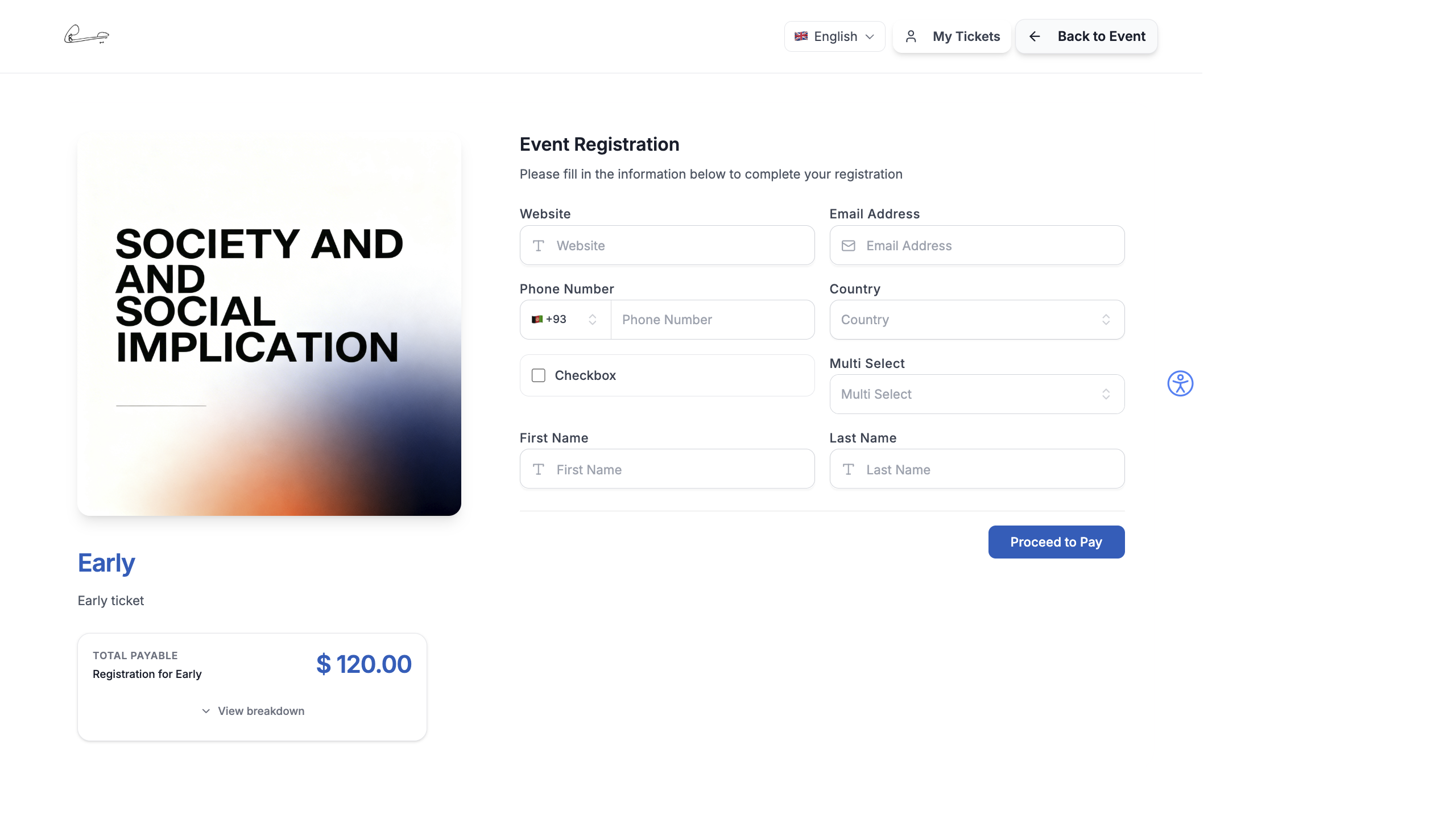
EventHex supports multiple authentication methods for attendee registration and login. Choose the methods that best fit your event’s audience.
Authentication Methods
Section titled “Authentication Methods”Email + OTP
Section titled “Email + OTP”The default authentication method. Attendees enter their email and receive a one-time password to verify their identity.
How it works:
- Attendee enters their email address
- EventHex sends a 6-digit OTP to their email
- Attendee enters the OTP to verify
- Registration proceeds
This is the most universal method — every attendee has an email address.
Social Logins
Section titled “Social Logins”Let attendees register using their existing social accounts:
| Provider | Use Case |
|---|---|
| Most common — works for both personal and Google Workspace accounts | |
| Professional events, B2B conferences | |
| Consumer events, community gatherings |
Social logins reduce registration friction — attendees don’t need to create a new account or remember another password.
Mobile + OTP
Section titled “Mobile + OTP”For regions where mobile numbers are preferred over email:
- Attendee enters their mobile number
- EventHex sends an SMS OTP
- Attendee verifies and proceeds
Registration Form Authentication
Section titled “Registration Form Authentication”Configure which authentication methods appear on your registration form:
- Go to Settings → Registration or your ticket’s registration form settings.
- Under Authentication, toggle the methods you want to enable:
- Email + OTP
- Google Login
- LinkedIn Login
- Mobile + OTP
- Set the default method — this appears first on the form.
- Click Save.
You can enable multiple methods simultaneously. Attendees choose their preferred option.
Enterprise SSO
Section titled “Enterprise SSO”For corporate events and organizations that require Single Sign-On:
- SAML 2.0 — integrate with enterprise identity providers (Okta, Azure AD, OneLogin)
- OAuth 2.0 — custom OAuth integration with your company’s authentication system
Best Practices
Section titled “Best Practices”- Enable Google login for public events — it’s the fastest registration method and most people have a Google account.
- Use LinkedIn for professional events — LinkedIn login also pulls profile data (name, company, title), which enriches your attendee data.
- Keep Email + OTP as fallback — always leave email OTP enabled as a universal fallback. Not everyone uses social logins.
- Match your audience — if your event targets a mobile-first audience (like in the Middle East or South Asia), enable Mobile + OTP prominently.
- Test each method — register using every enabled authentication method to verify the flow works end-to-end.
What Attendees See
Section titled “What Attendees See”On the event website registration page, attendees see:
- Social login buttons — Google, LinkedIn, and/or Facebook sign-in buttons (depending on what you enabled)
- Email + OTP — enter email, receive a one-time password
- Mobile + OTP — enter phone number, receive an SMS OTP
Social login pre-fills the registration form with profile data (name, email, photo), reducing friction. The same authentication methods are used in the Attendee Mobile App, My Tickets, and My Certificates pages.