

Product Catalog & Company Profiles
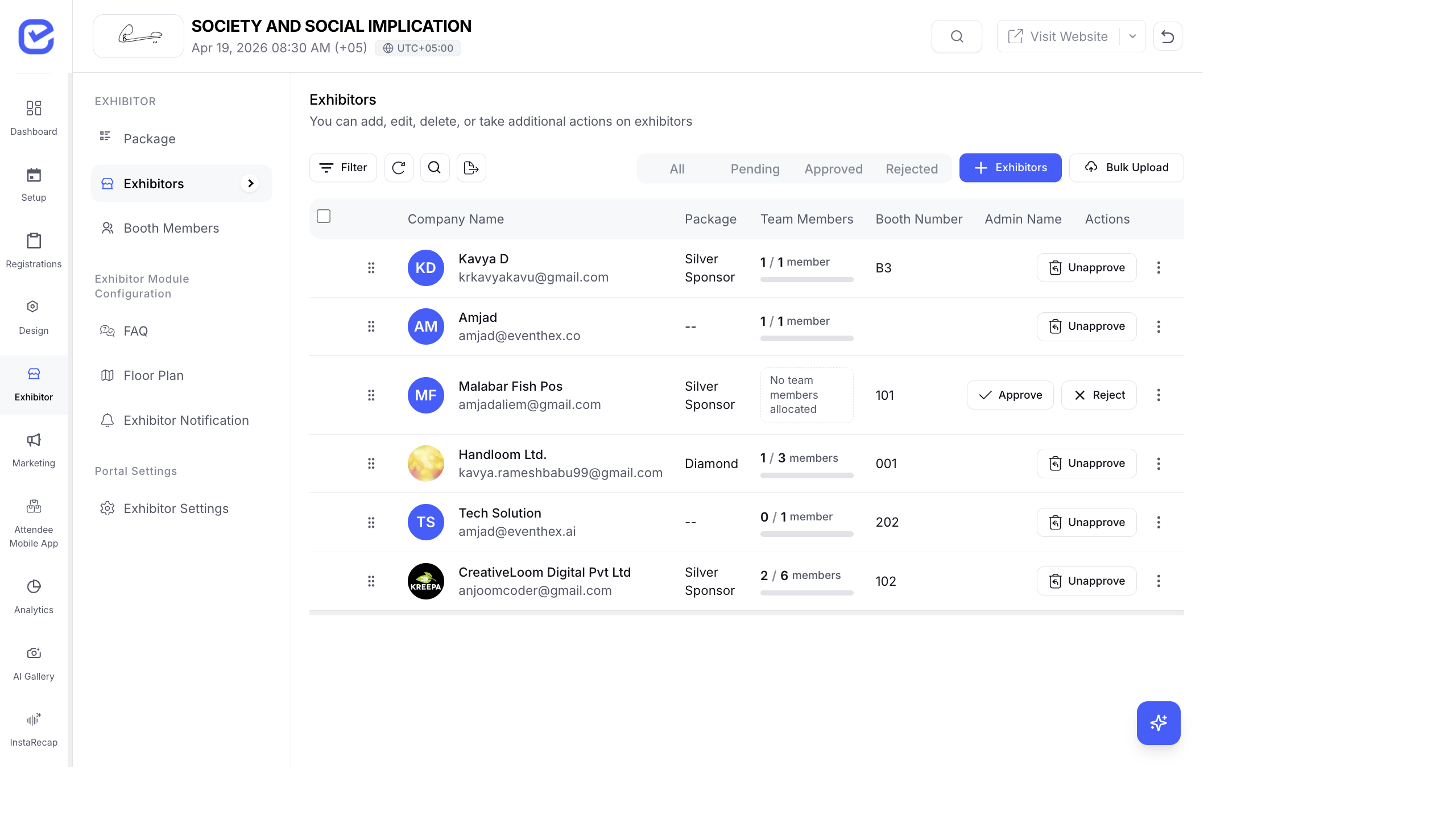
Exhibitors can add their products and services to a catalog that’s displayed on the event website and mobile app. Attendees browse the catalog to discover exhibitors before and during the event.
Enable the Product Catalog
Section titled “Enable the Product Catalog”- Go to Exhibitor → Exhibitor Settings.
- Toggle Products to On.
- Exhibitors now see the Products section in their portal.
Adding Products (as an Exhibitor)
Section titled “Adding Products (as an Exhibitor)”Exhibitors manage their own catalog from the portal:
- Log in to the Exhibitor Portal.
- Click Products.
- Click + Add Product.
- Fill in:
- Product Name — name of the product or service
- Description — what it does, key features
- Product Link — URL to the product page on the exhibitor’s website
- Product Logo — brand logo image
- Product Image — hero image or product photo
- Brochure URL — link to a downloadable PDF brochure
- Click Save.
Exhibitors can add multiple products. Each product appears as a card in their catalog.
Adding Products (as an Organizer)
Section titled “Adding Products (as an Organizer)”Organizers can also manage an exhibitor’s product catalog:
- Go to Exhibitor → Exhibitor Management.
- Click the Product Catalog action on the exhibitor row.
- Add, edit, or delete products for that exhibitor.
This is useful when exhibitors send you their product info and ask you to set it up for them.
Company Profiles on the Event Website
Section titled “Company Profiles on the Event Website”Each approved exhibitor gets a company profile on the event website:
- Company name and logo
- Company description
- Website link
- Product catalog — all their products displayed as cards
- Booth number — where to find them at the venue
- Contact information — based on settings
Attendees can browse the exhibitor list on the Exhibitors page, click into a company profile, and explore their products.
Product Display
Section titled “Product Display”Products appear as cards with:
| Element | Description |
|---|---|
| Product Image | Hero image at the top of the card |
| Product Name | Title below the image |
| Description | Short description text |
| Logo | Small brand logo |
| Product Link | ”View Product” button linking to the exhibitor’s website |
| Brochure | ”Download Brochure” button (if brochure URL is provided) |
Best Practices
Section titled “Best Practices”- Upload high-quality images — product images should be clear and professional. Recommend exhibitors use images at least 800 × 600 px.
- Keep descriptions concise — 2–3 sentences per product. Attendees are browsing, not reading essays.
- Include brochures — downloadable PDFs give attendees something to take away and share with their team.
- Set up before the event — encourage exhibitors to add their products at least 1 week before the event so attendees can browse the catalog while planning their visit.
- Enable Company Profile — make sure the Company Profile toggle is on in Exhibitor Settings so exhibitors can edit their own information.
Where Products Appear
Section titled “Where Products Appear”Products added by exhibitors are displayed in multiple places:
- Event Website — on the exhibitor detail page, accessible from
/exhibitors - Exhibitor Portal — exhibitors manage their products at
/exhibitor-portal/products - Attendee Mobile App — under the Products tab, attendees can browse all exhibitor products
See Event Website Pages and Event App Walkthrough for how products appear to attendees.