

Monetization & Sponsor Ads
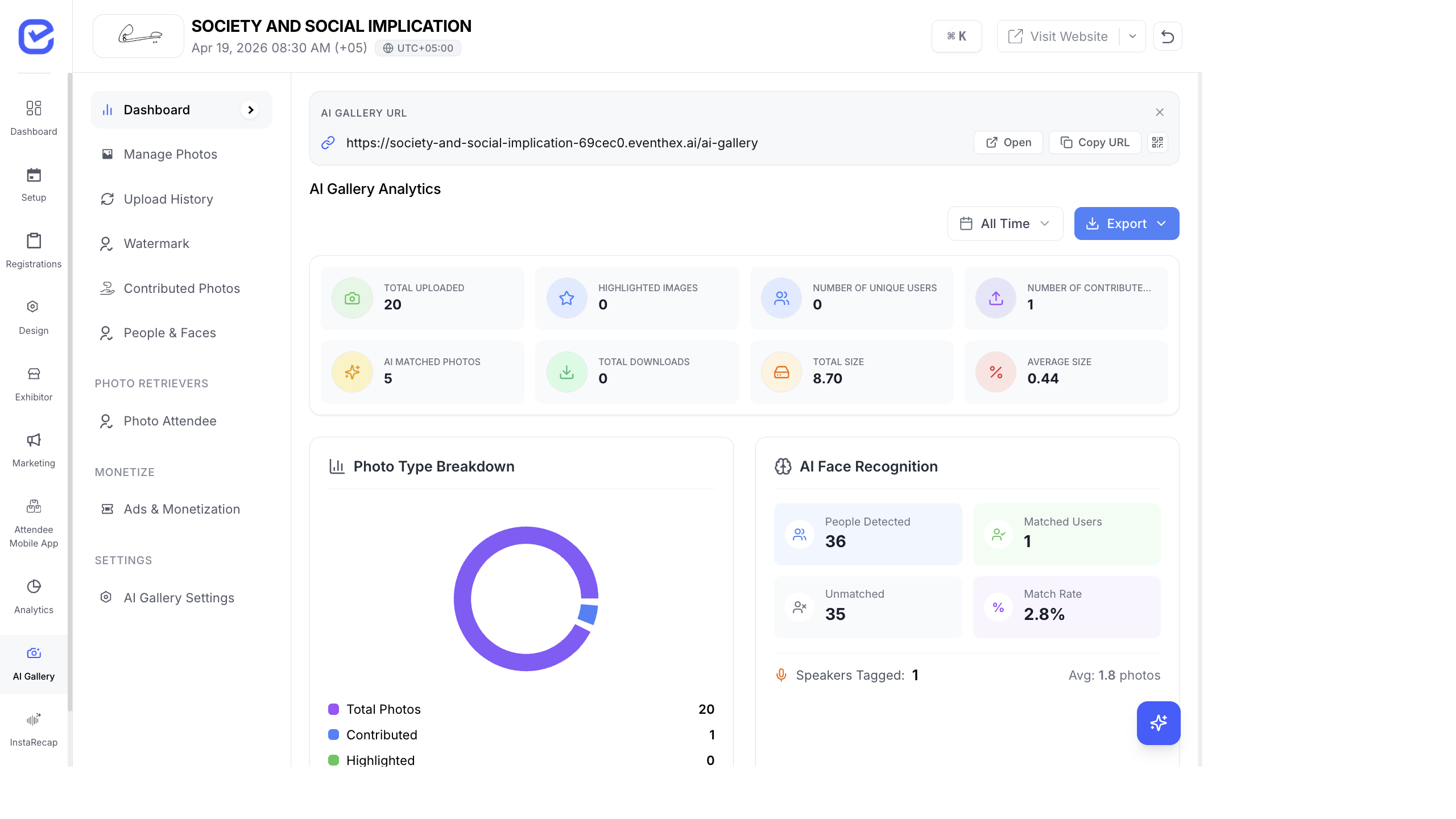
The AI Photo Gallery generates high engagement — attendees spend time browsing, downloading, and sharing photos. Monetize this attention by placing sponsor ads and partner spotlights within the gallery experience.
Partner Spotlights
Section titled “Partner Spotlights”Partner Spotlights are branded sponsor placements that appear within the photo gallery:
- Go to AI Gallery → Settings.
- Toggle Enable Partner Spotlights to On.
- Click + Add Partner Spotlight.
- Configure the spotlight:
- Sponsor Name — the company being featured
- Banner Image — sponsor’s ad creative (recommended: 728×90 or 300×250)
- Link URL — where clicking the ad takes the attendee (sponsor’s website, landing page, etc.)
- Click Save.
Partner spotlights appear between photo rows as attendees scroll through the gallery.
Ads in Moments
Section titled “Ads in Moments”When attendees retrieve their photos (their “Moments”), you can show ads:
- Go to AI Gallery → Settings.
- Toggle Show Ads in Moments to On.
- Ads from your partner spotlights will appear when attendees view their matched photos.
This is premium ad placement — attendees viewing their personal photos are highly engaged and more likely to notice sponsor messaging.
Monetization Strategy
Section titled “Monetization Strategy”| Placement | When It Shows | Value |
|---|---|---|
| Gallery browse | As attendees scroll the photo grid | High volume — every gallery visitor sees it |
| Moments view | When attendees view their matched photos | Highest engagement — personal, focused attention |
| Download page | Before or after photo download | High intent — attendee is taking action |
Partner Spotlight ROI Dashboard
Section titled “Partner Spotlight ROI Dashboard”Track sponsor ad performance on the dashboard:
| Metric | What It Shows |
|---|---|
| Impressions | How many times the ad was displayed |
| Clicks | How many attendees clicked the ad |
| CTR | Click-through rate (clicks ÷ impressions) |
| Unique Viewers | How many distinct attendees saw the ad |
Use these metrics to demonstrate value to sponsors and price future placements.
Pricing Sponsor Ads
Section titled “Pricing Sponsor Ads”Here’s a common pricing approach for gallery ads:
| Package | Includes | Suggested Pricing |
|---|---|---|
| Gallery Sponsor | Logo in gallery header + spotlight between photos | Premium tier |
| Moments Sponsor | Ad shown when attendees view their personal photos | Top tier (exclusive, limited to 1–2 sponsors) |
| Download Sponsor | ”Powered by [Sponsor]” on download page | Mid tier |
Best Practices
Section titled “Best Practices”- Limit ad density — 1 sponsor ad per 20–30 photos is a good ratio. Too many ads and attendees will disengage.
- Use high-quality creatives — sponsor banners should be professional, visually consistent with the gallery design, and properly sized.
- Match sponsor to audience — place sponsors that are relevant to your attendees. A tech conference gallery should feature tech sponsors, not unrelated brands.
- Report to sponsors — share the Partner Spotlight ROI dashboard with your sponsors after the event. Concrete metrics (impressions, clicks, CTR) make it easy to renew sponsorship next year.
- Exclusive placements — limit “Moments Sponsor” to 1–2 sponsors. Exclusivity justifies premium pricing and ensures the experience doesn’t feel cluttered.
- Test before the event — upload a few test photos and verify that sponsor ads render correctly in the gallery before the event goes live.