

AI Photo Gallery Overview
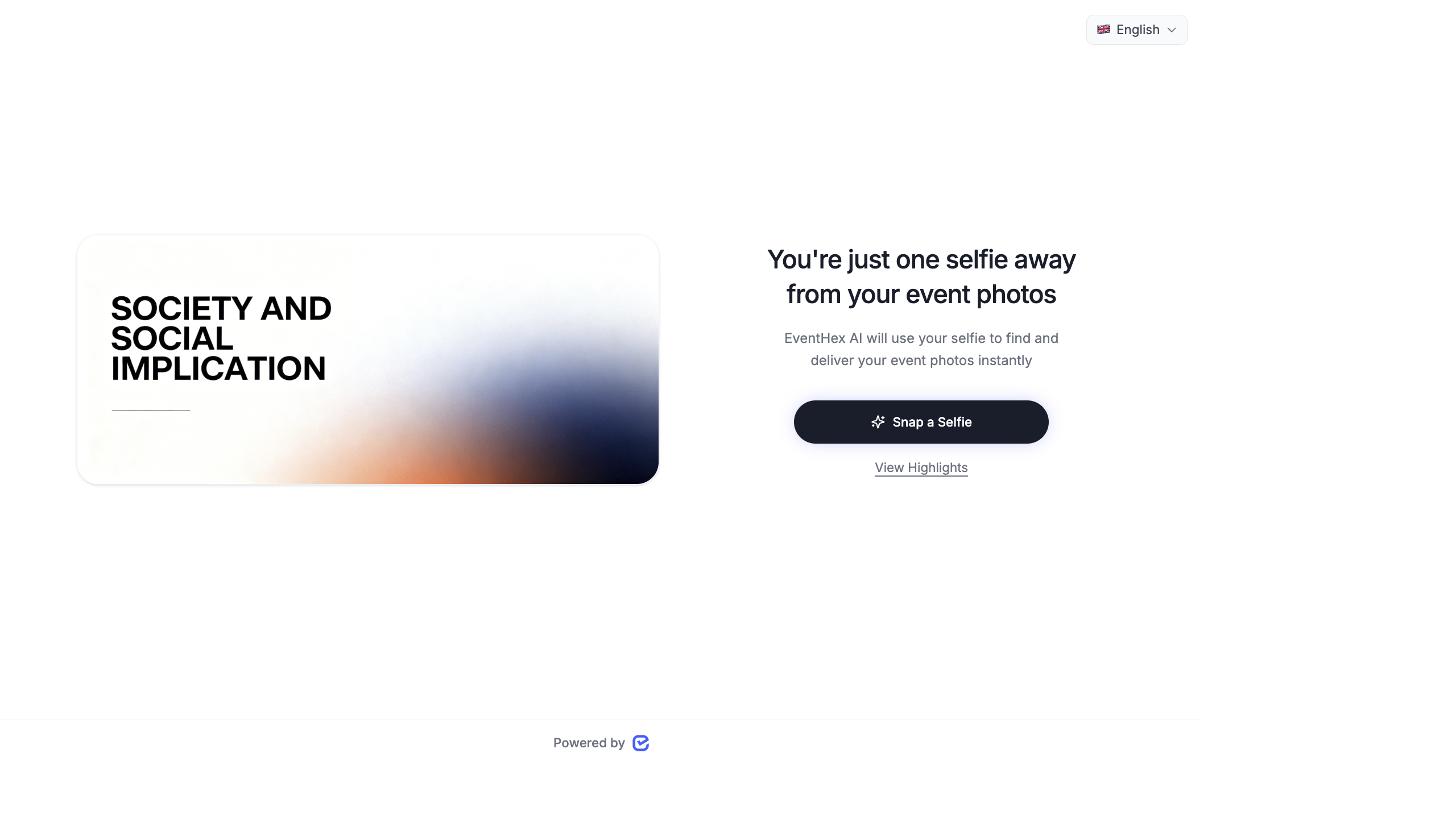
The AI Photo Gallery is EventHex’s intelligent photo management system. Upload event photos, and AI automatically detects faces, groups them by person, and lets attendees find their photos instantly — using selfie-based face matching.
Dashboard Overview
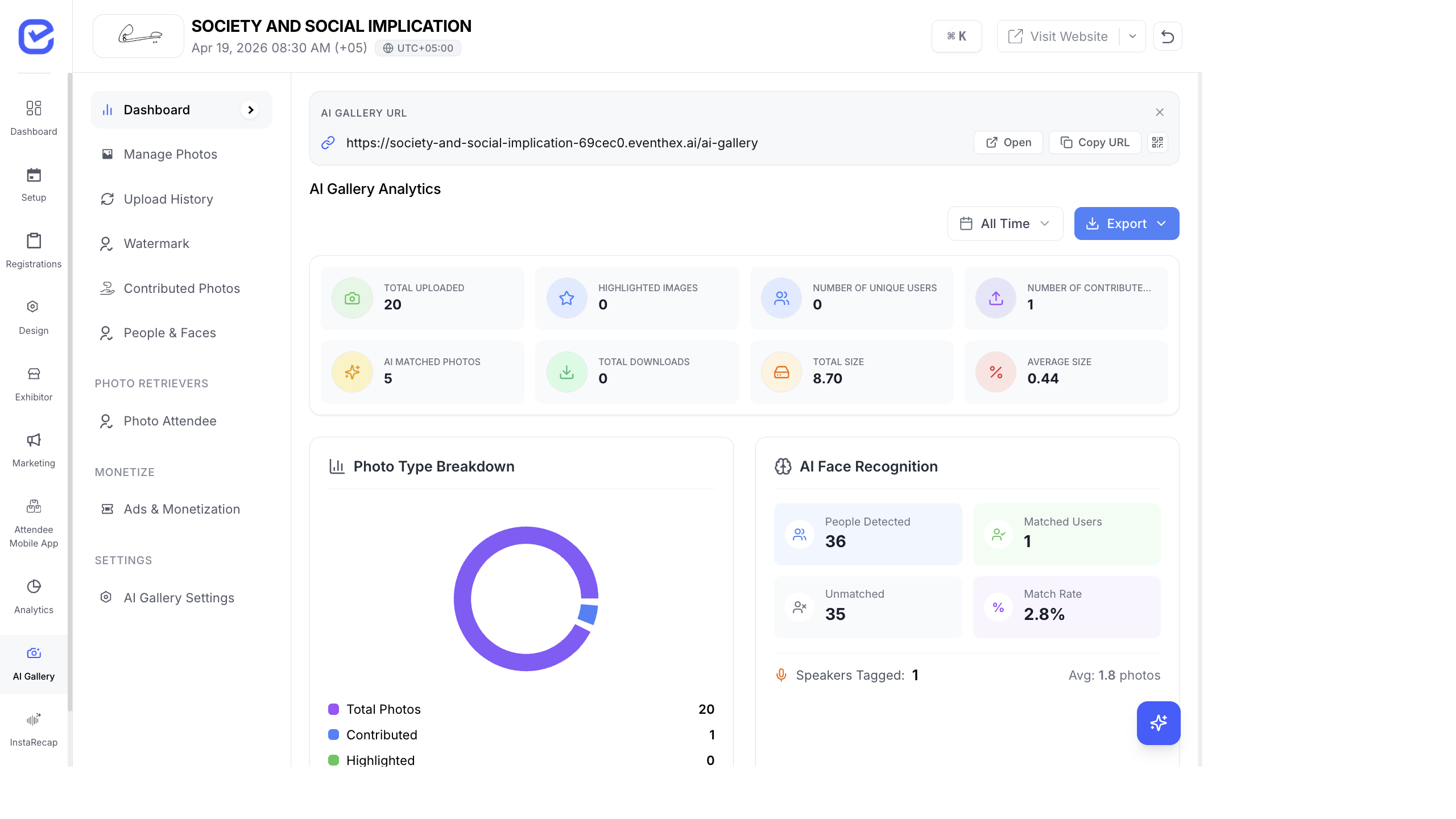
Section titled “Dashboard Overview”The AI Gallery dashboard (AI Gallery → Dashboard) gives you a real-time view of your event’s photo engagement.
Key Metrics (KPI Cards)
Section titled “Key Metrics (KPI Cards)”| Metric | What It Shows |
|---|---|
| Total Uploaded | Total number of photos uploaded to the gallery |
| Total Size | Storage used by all photos |
| Unique Users | Number of distinct people identified by face recognition |
| Highlighted | Photos marked as featured or starred |
| Contributed | Photos submitted by attendees (community contributions) |
| Downloads | Total photo downloads by attendees |
| Social Shares | Number of times photos were shared to social media |
Charts & Analytics
Section titled “Charts & Analytics”The dashboard includes visual analytics:
| Chart | What It Shows |
|---|---|
| Photo Breakdown | Split of photos by source (organizer upload vs. community contribution) |
| Download Timing | When attendees are downloading photos (helps identify peak engagement windows) |
| Face Recognition Stats | Total groups detected, matched vs. unmatched faces, match rate |
| Top People | Attendees with the most photos (speakers, VIPs often have the most) |
| Engagement Funnel | Upload → Face Detection → Match → Download → Share conversion |
| Recent Retrievers | Attendees who recently accessed their photos |
| Recent Contributors | Attendees who recently uploaded community photos |
| Referral Stats | How attendees found the gallery (direct link, email, WhatsApp) |
| Partner Spotlight ROI | Performance of sponsor ads shown in the gallery |
How the AI Gallery Works
Section titled “How the AI Gallery Works”Here’s the end-to-end flow:
- Upload — you (the organizer) bulk upload event photos or enable attendee contributions.
- AI Processing — the system automatically detects faces in every photo.
- Face Grouping — detected faces are clustered into groups (one group per person).
- Matching — when an attendee takes a selfie, the system matches their face against all detected groups.
- Delivery — the attendee instantly sees all photos they appear in.
- Download & Share — attendees download their photos or share them directly to social media.
Getting Started
Section titled “Getting Started”To set up the AI Photo Gallery for your event:
- Upload Photos — bulk upload event photos
- Configure Face Recognition — review face groups and matching accuracy
- Set Up Watermarks — protect your photos with custom watermarks
- Enable Community Contributions — let attendees upload their own photos
- Configure Monetization — add sponsor ads to the gallery
The Attendee Experience
Section titled “The Attendee Experience”For a complete walkthrough of what attendees see when they use the AI Gallery — selfie matching, photo browsing, Moments highlights, People groups, social sharing, and more — see AI Gallery — The Attendee Experience.