

AI Agenda Creator & Copywriter
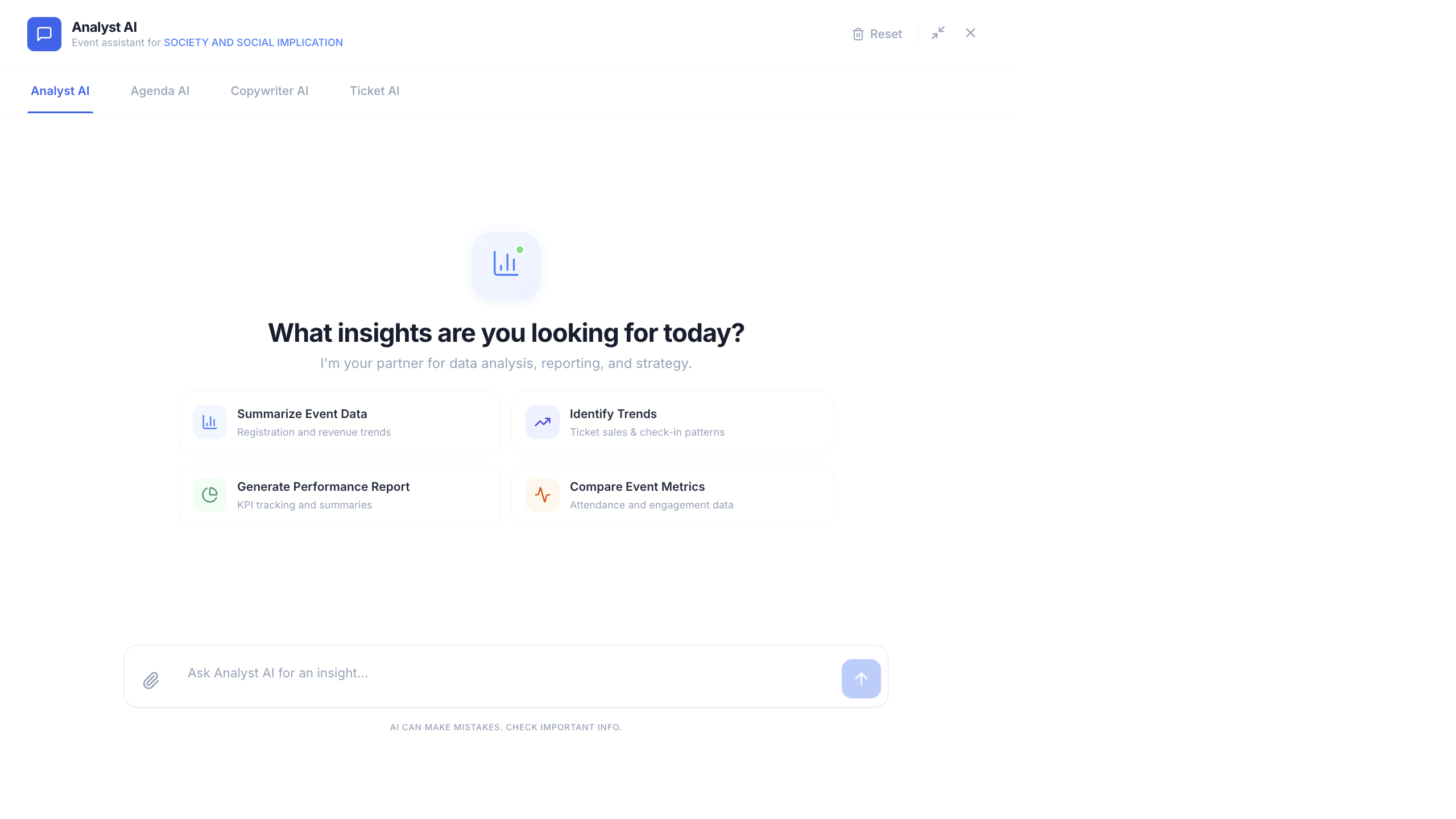
Beyond analytics, Copilot includes specialized agents for building your event agenda and writing marketing content.
Agenda AI Sessions
Section titled “Agenda AI ”The Agenda AI helps you create and manage event sessions through natural language commands.
What It Can Do
Section titled “What It Can Do”- Create sessions — generate session blocks with titles, descriptions, times, and speaker assignments
- List speakers — see all confirmed speakers and their availability
- Check conflicts — detect scheduling overlaps between sessions, speakers, or rooms
Example Prompts
Section titled “Example Prompts”"Create a morning keynote session from 9:00 AM to 10:00 AM""Generate a 3-day conference agenda with 4 tracks""Which speakers are double-booked on Day 2?""Add a networking break from 12:30 to 1:30 PM""List all sessions that don't have a speaker assigned"Generate a Full Agenda
Section titled “Generate a Full Agenda”- Open Copilot and switch to the Agenda AI tab.
- Describe your event structure:
"Create a 2-day tech conference agenda. Day 1 has keynotes in the morning and3 parallel tracks (AI, Cloud, Security) in the afternoon. Day 2 has workshopsin the morning and a closing ceremony at 4 PM."
- Copilot generates a complete agenda with session titles, time slots, and track assignments.
- Review the suggested sessions.
- Confirm to add them to your event.
Copywriter AI Marketing
Section titled “Copywriter AI ”The Copywriter AI generates event marketing content instantly.
Content Types
Section titled “Content Types”| Content Type | Description |
|---|---|
| Social Media Posts | Platform-optimized posts for LinkedIn, Twitter/X, Instagram |
| Invite Emails | Professional event invitation emails |
| Event Descriptions | Landing page copy, about section, event overviews |
| Speaker Introductions | Bios and introduction text for speakers |
Quick Actions
Section titled “Quick Actions”Click any quick action button for instant content:
- Write Social Post — generates platform-specific posts
- Draft Invite Email — creates a professional invitation
- Write Event Description — produces landing page copy
- Introduce Speaker — generates speaker bio from available data
Example Prompts
Section titled “Example Prompts”"Write a LinkedIn post announcing early bird tickets""Draft an invite email for our AI Summit with a professional tone""Create a speaker introduction for Dr. Sarah Chen""Write 3 different tweet variations about our conference"Customize the Output
Section titled “Customize the Output”Refine the generated content:
"Make it more formal""Add urgency — early bird ends Friday""Shorten it to under 280 characters for Twitter""Include the registration link: https://my-event.eventhex.ai"Using Agents Together
Section titled “Using Agents Together”Combine agents in a single session for efficient event planning:
- Agenda AI — “Generate a 2-day agenda for our design conference”
- Analyst AI — “Based on last year’s data, which session topics had the highest attendance?”
- Agenda AI — “Add more sessions on the top 3 topics”
- Copywriter AI — “Write a LinkedIn post highlighting our most popular sessions”
Best Practices
Section titled “Best Practices”- Provide context — “Write a social post” is okay, but “Write a LinkedIn post for a B2B SaaS conference targeting CTOs, with a professional tone” gets much better results.
- Iterate quickly — generate, review, refine. Don’t expect perfection on the first try.
- Use event data — Copilot knows your event details. Ask it to reference actual session names, speaker names, and dates.
- Review before publishing — always proofread AI-generated content before posting publicly or sending emails.