

Account Setup
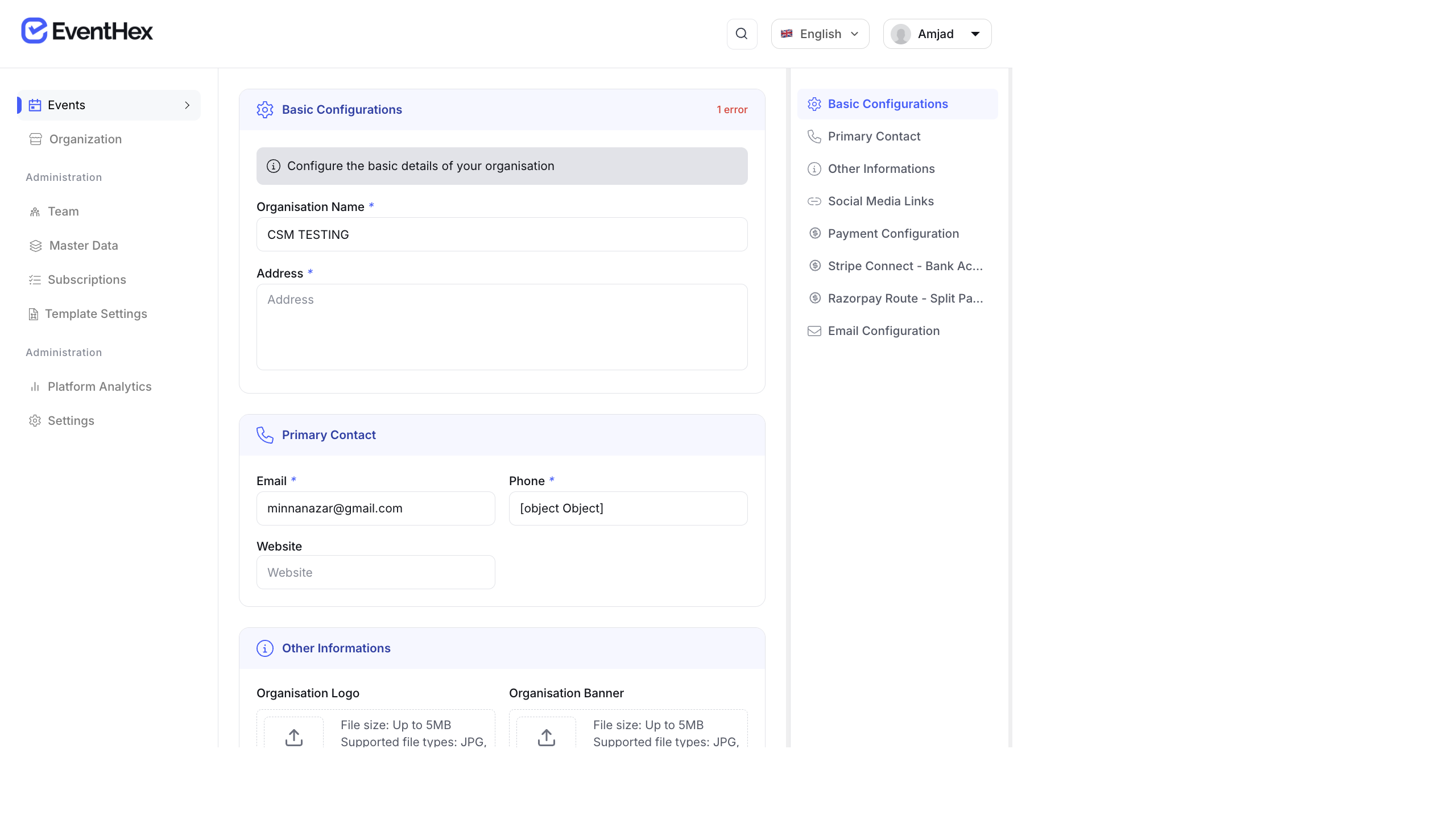
Create an Account
Section titled “Create an Account”- Go to app.eventhex.ai.
- Click Sign Up.
- Fill in your details:
- Full Name
- Email Address
- Password (minimum 8 characters)
- Phone Number
- Click Create Account.
- You will receive a verification email — click the link to activate your account.
Log In
Section titled “Log In”- Go to app.eventhex.ai.
- Enter your Email and Password.
- Click Log In.
You will land on the Events dashboard. If you belong to multiple organizations, you can switch between them from the sidebar.
Forgot Password
Section titled “Forgot Password”- On the login page, click Forgot Password?
- Enter the email address associated with your account.
- Click Send Reset Link.
- Check your inbox for the password reset email.
- Click the reset link and enter a new password.
- Click Reset Password to save.
Profile Settings
Section titled “Profile Settings”After logging in, click your profile name in the top-right corner to access:
- Profile — update your name, email, and phone number
- Change Password — set a new password
- Logout — sign out of the portal
Language Settings
Section titled “Language Settings”EventHex supports multiple portal languages:
- Click the language selector (flag icon) in the top bar.
- Select your preferred language (English, Arabic, etc.).
- The portal UI updates immediately.